
Searching Acadia Parish Cases by Name
Searching by name in Acadia Parish is really a routing exercise. It is not a promise of a free public web query. Begin with the right court and record type. The Acadia Parish Clerk of Court can steer a district-court search to the proper department. Crowley, Rayne, Eunice, and federal matters may call for a different office. Give the staff the full name used in the case and a rough filing year. Small details matter here. Initials, middle names, hyphenated surnames, business suffixes, and spelling differences matter. Any of them can change what an index returns.
- Identify whether the matter belongs in the Fifteenth Judicial District Court, a city court, or federal court before asking for a name search.
- Give the clerk or research desk the full name, the likely record type, and a bounded filing-year range.
- Use the public terminal or older indexes when the online account route does not show the needed record or period.
- Confirm a possible match against the caption, division, case type, and date before requesting a copy.
The public login pages offer no Acadia Parish name-search box. Only the pre-login controls appear there. Read the table accordingly, not as a list of case-search fields.
| Visible login control | Type | Required | What it does |
|---|---|---|---|
| Text input | Not marked on captured page | Account sign-in credential, not a party-name query. | |
| Password | Password input | Not marked on captured page | Account sign-in credential, not a case-number query. |
| Remember me | Checkbox | Not shown on captured page | Account-session option, not a case-search field. |
| Login or registration | Button or link | Not applicable | Opens an account path; authenticated Acadia search fields were not publicly visible. |
Acadia Parish Case Portal Limits
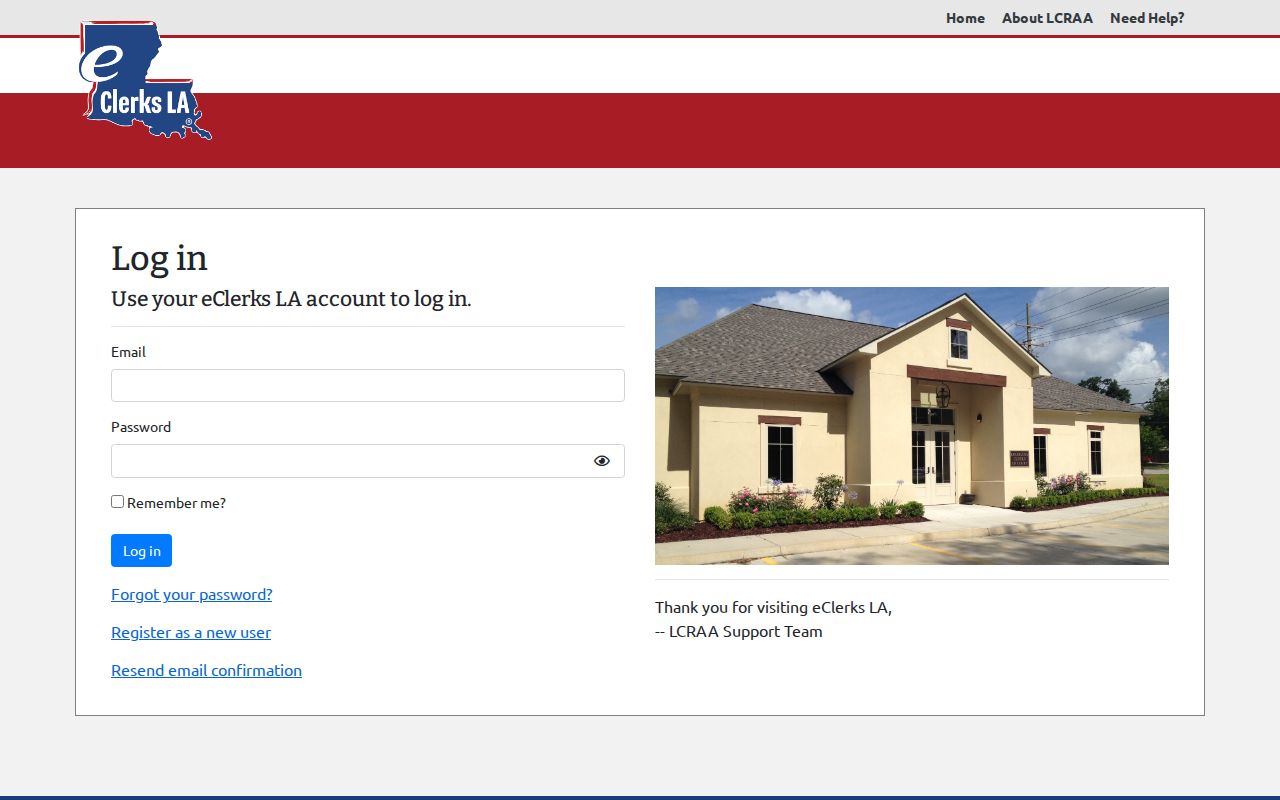
The Clerk Connect login screen presents an email field, a password, a remember-me option, recovery and registration links, and a confirmation link. That is all a visitor sees before signing in. No parish, party, case number, filing date, record type, or document filter appears on the unauthenticated screen. The inquiry list does not confirm Acadia availability. The limit matters when a name fails to return an instant online hit. The Clerk Connect account screen shows the account gate itself. It is not a public Acadia Parish case search.
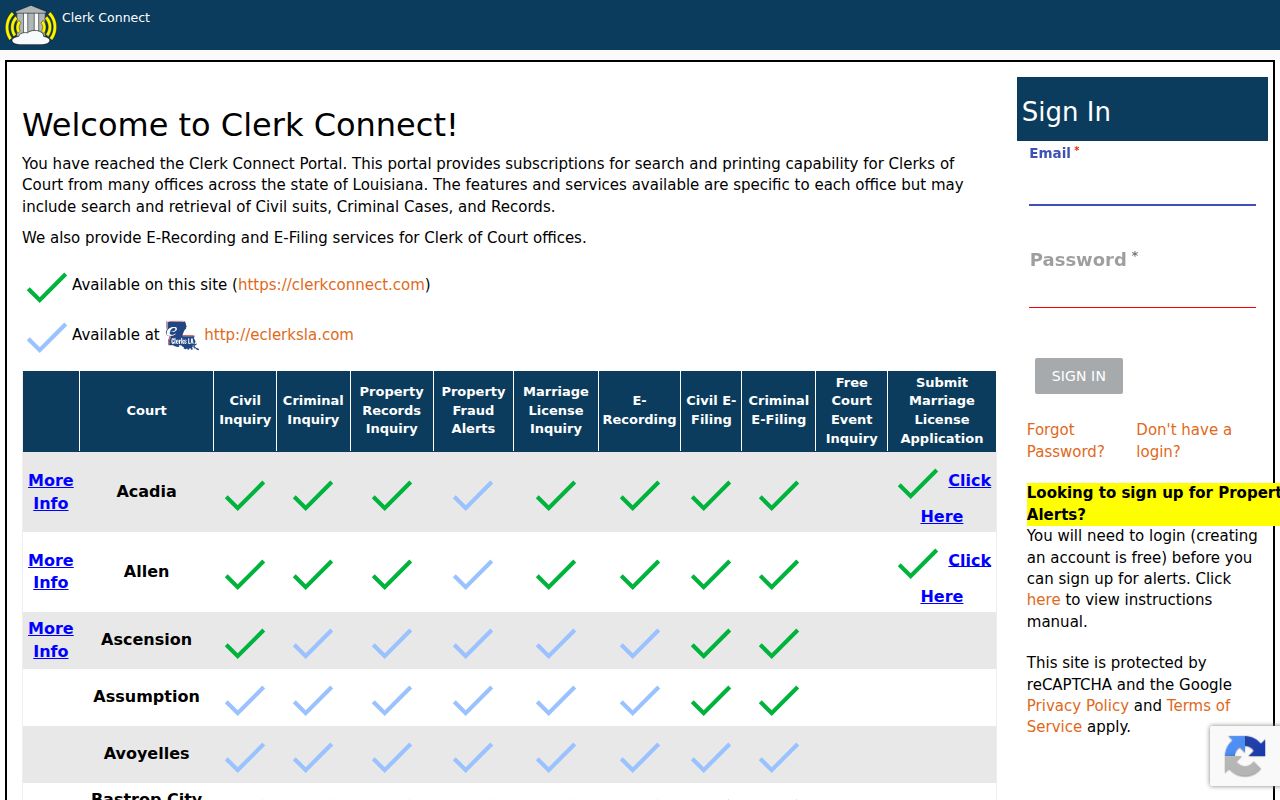
Use the visible screen just to recognize the service. Then ask the Clerk or the service's support desk whether a subscription and a parish selection are required for the record class you want.
Acadia Parish Case Number Search
When you have a case, suit, citation, or docket number, use it exactly as issued. The parish posts no public district-court number format. So no local sample is offered here; a made-up pattern would mislead more than help. Tell the receiving office the court, the number, the record type, and the item you need. That item might be a docket, minute entry, judgment, pleading, or certified copy. Those details also keep a traffic citation or city-court matter from landing at the wrong records desk. A federal number follows its own rules. For the Western District of Louisiana, Lafayette Division, the official PACER information page shows a format like 2:26-cv-03216. Treat that as a federal example, not an Acadia Parish district format. Federal case research belongs with PACER and CM/ECF, not the parish clerk.
Acadia Parish Clerk Search Routes
The Clerk's online-access page gathers the main routes into Acadia Parish records. Those routes are Clerk Connect, eClerks LA, and the parish's own electronic-filing procedures. Filing online just means papers go in under the Clerk's procedure. It does not promise that anyone can freely browse every docket. It also does not let anyone pull any document image. Public terminals and older indexes are open during business hours. Some files still require a predetermined appointment.
Know what to ask for by name. A criminal or civil history search, a file inspection, a minute entry, a plain disposition, a certified copy, a transcript, or an image is each a separate request. Every one carries its own price and department path. The Acadia Parish court-records route sorts out the copy-versus-certification distinction in more detail.
The Clerk's access page is where those service links officially begin.
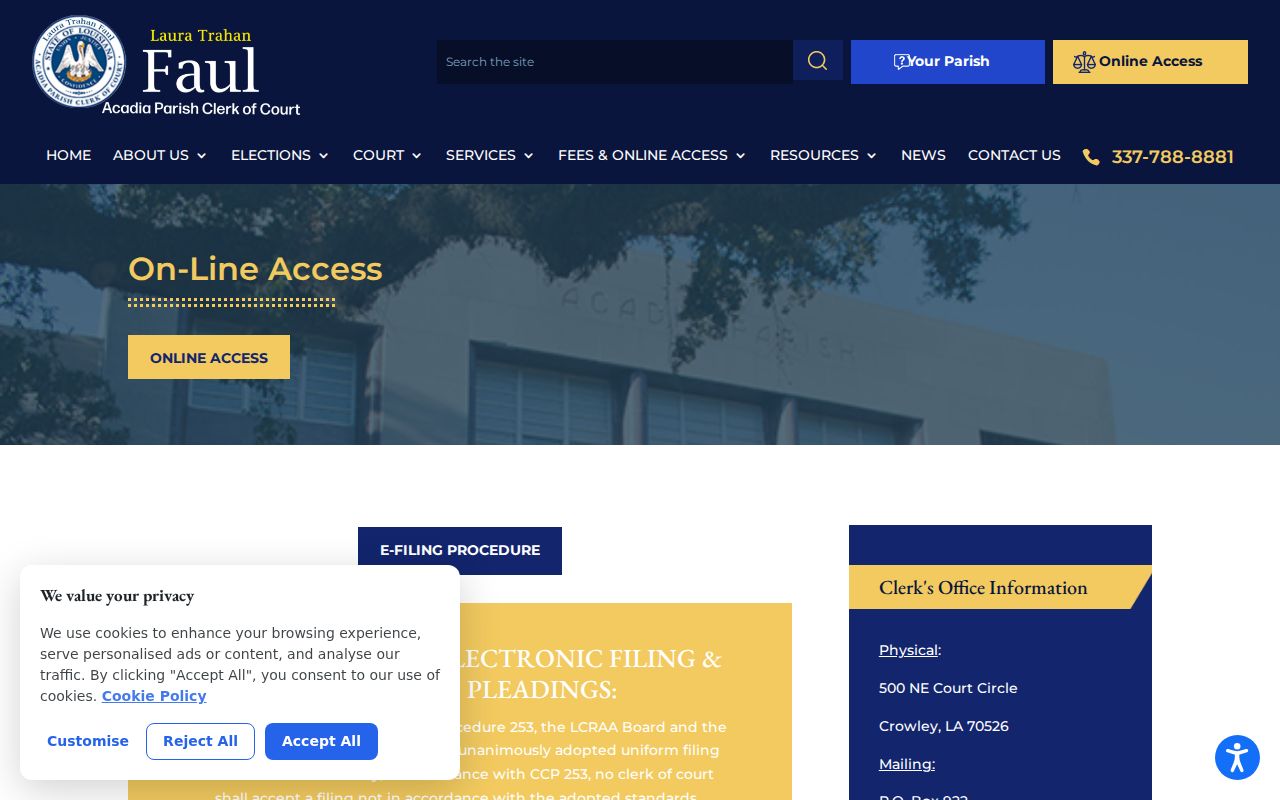
The practical rule is simple. Confirm the current Acadia Parish access arrangement with the Clerk rather than treating an old subscription notice as today's search terms.
Acadia Parish Case Search Results
No public sample of an Acadia Parish district-case display exists without signing in. The fields that follow are a checklist drawn from the documented full-docket inventory, not a claim that every field shows up on a particular Acadia screen. A calendar can list a setting category and time while leaving out the case header, the parties, the filings, and the disposition.
| Header | Court, parish, division, case or suit number, filing date, record type, caption, judge, and status may form the case header. |
|---|---|
| Parties and counsel | Roles, appearances, and public service information can be limited or redacted where a record is protected. |
| Event line | Date, docket-entry description, filer or court action, and an attachment reference if an image is available. |
| Setting line | Hearing type, date, time, division, judge or hearing officer, and a result or continuance if recorded. |
| Disposition or restriction | A judgment, plea, dismissal, appeal, or other entry may appear, along with a seal, confidentiality, or redaction marker. |
Read "Disposed" according to the official docket entry alone. Do not stretch it into a conclusion the record never made. A minute entry records what occurred or what action the court took; it is not a word-for-word transcript.
Statewide vs Acadia Parish Case Search
The eClerks LA statewide portal advertises a free index search across participating parish records, covering land, marriage, civil, family, and probate filings. That free tier is an index only, though. It is not an open door to full Acadia Parish case details, because the parish-specific interface sits behind authentication. What categories, fields, images, and fees you actually get must be confirmed with the current service or the Clerk.
The portal's own description spells out the index layer shared across the participating parishes.
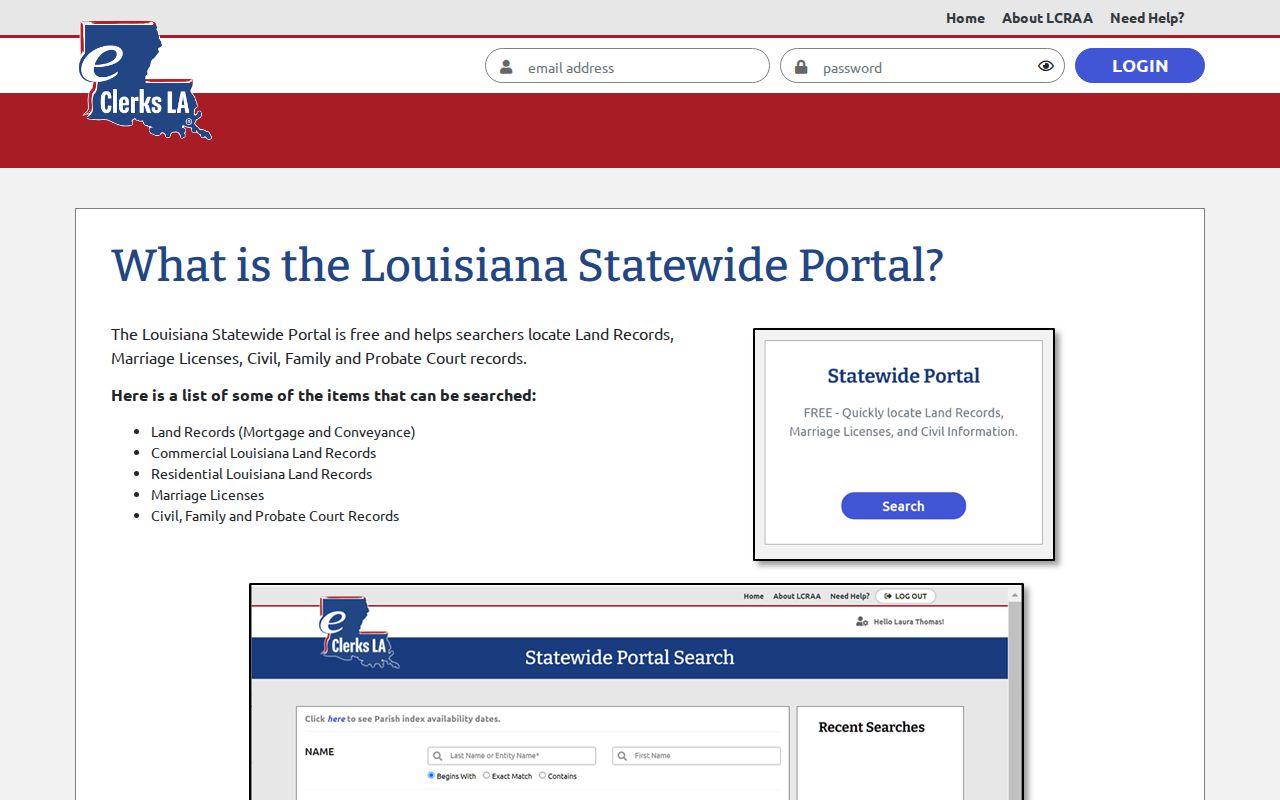
That statewide layer can help route a civil, family, probate, land, or marriage inquiry. It still does not replace the Acadia Parish Clerk's custody of the district-court file.
| Route | What the research supports | Best use |
|---|---|---|
| eClerks LA statewide portal | Public description of free statewide index searching; detailed Acadia functions are account-gated. | Determine whether the statewide layer may cover the record family. |
| Acadia Parish Clerk | Legal custodian for Fifteenth Judicial District Court records and local research/copy services. | Locate a district docket, file, minute, or certified record. |
| City court or federal clerk | Separate court route for municipal matters or Western District cases. | Resolve a court-boundary question before seeking a record. |
Acadia Parish eClerks Access
eClerks LA is the statewide access layer run through the Louisiana Clerks' Remote Access Authority. Its home page lays out the statewide services. The portal login, by contrast, is an account screen. The Acadia Parish Clerk links to eClerks LA. Even so, an account holder still has to confirm whether the parish, record category, index, docket, or image is available at the chosen access level.
The eClerks home page describes the service family and its Louisiana context. It does so in the Clerk's own words.
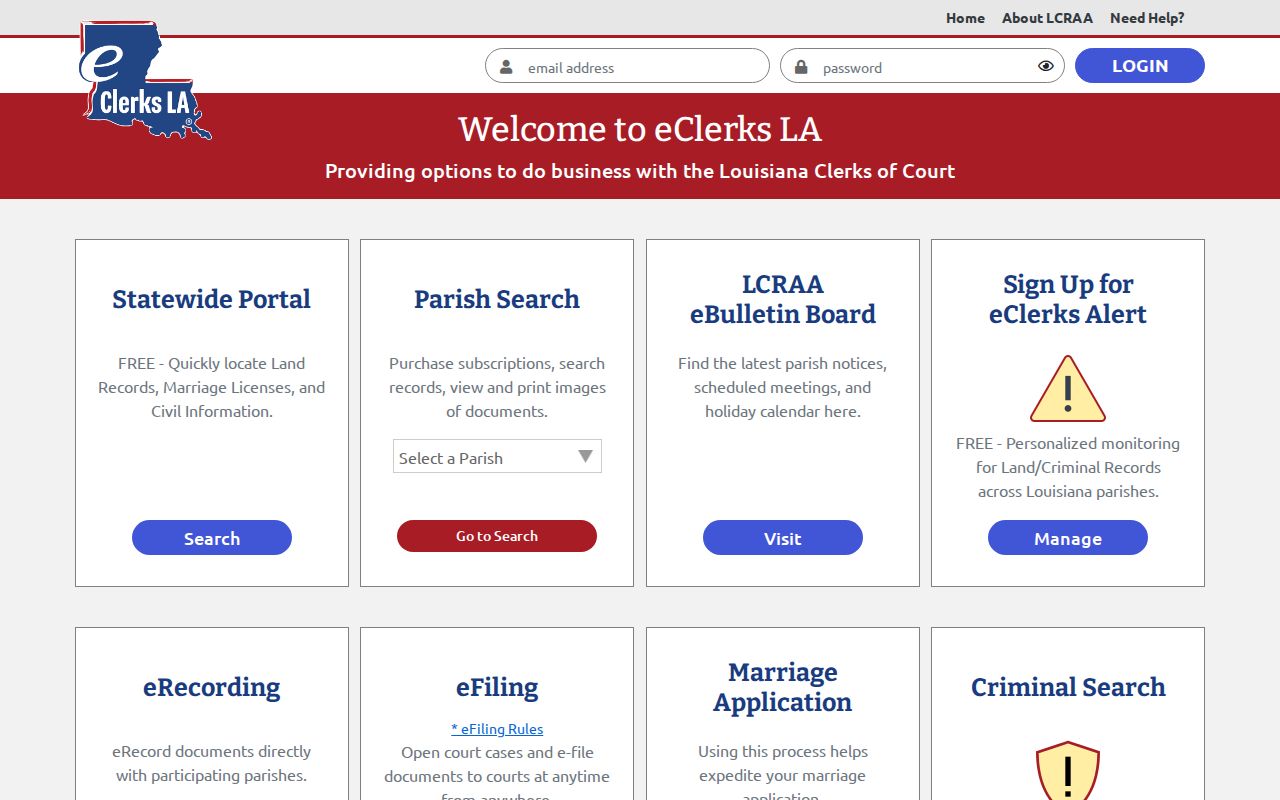
An account landing page can tell you the service is official. It cannot confirm what sits inside an individual Acadia Parish case file. That takes a closer look. Before relying on any account result, match the court, parish, record type, and filing year against what you already know. Remember that the same office keeps both court and recorder functions, so a land, mortgage, or conveyance index is not a court case docket. A family, juvenile, city-court, or federal matter may need a different route even when Acadia Parish shows in the address. That one routing check can spare you from ordering the wrong record product or asking a clerk desk for a file another court actually holds.
Acadia Parish Restricted Case Access
Public access has real limits. The Acadia Clerk states this plainly. Juvenile filings are confidential and need a valid court order. A sealed, expunged, protected, or redacted record may still leave a visible case reference with no image. It may also show nothing public at all. When a docket search comes up empty, the cause could be the wrong court. It could be a filing not yet received, a limited search range, an account barrier, or a lawful restriction. A missing result never proves that no record exists.
For anything restricted, ask the court or custodian a direct question. Can a redacted copy, docket or minute summary, judgment, or other non-confidential portion be inspected? Louisiana Public Records Law applies subject to exceptions. The clerk or court sets the lawful scope. Never try to slip around a seal or confidentiality restriction with an unofficial copy.
Acadia Parish Portal Status Check
The eClerks portal login shows email and password fields. It also offers a remember-me option and routes for registration, recovery, and confirmation. What it never shows is the authenticated Acadia Parish search screen itself. Maintenance notices appear from time to time too. So availability can shift without warning. Treat the login as an access gate, not a public case register.
The official sign-in page marks the public entry point for the statewide service.
When a needed case stays out of reach after a proper account inquiry, Acadia Parish still offers documented fallbacks. The public terminal at the courthouse, the clerk research desk, or a focused written request all remain open paths for a case lookup.
Acadia Parish Federal Case Route
Federal matters take a different road. Acadia Parish falls under the Western District of Louisiana, Lafayette Division, and its civil, criminal, bankruptcy, and appellate records run through PACER and CM/ECF rather than the Acadia Parish Clerk's state access routes. PACER's login asks for a username, password, and an optional client code. Its case-query controls only appear once you are inside an account. A state-parish docket search can return nothing for a federal matter and still be working exactly as intended.
Federal docket entries and linked PDFs may carry charges and sealed-access rules. Use the federal court's own system or clerk for the authoritative federal record, and turn to the Acadia Parish Clerk for the state district record it holds in custody.